
Blog
Our Latest
Experience the magic of our Amazon Product Photography Services, paired seamlessly with our Amazon Listing Optimization Services. Witness how we turn ordinary products into extraordinary success stories on the world's largest online platform.

13 March 2023
Selling on Amazon is becoming more competitive every day. With millions of products available, standing out is more challenging than ever. High-quality product images are necessary, but traditional photography has its limitations. This is why 3D rendering has become an essential part of amazon product listings.
Read More...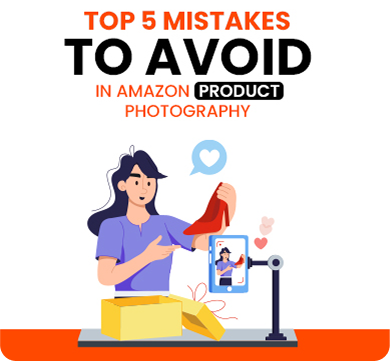
13 March 2023
Product photography is one of the most important aspects of
Read More...
13 March 2023
When shopping online, customers rely on reviews to make informed purchasing decisions. On Amazon, customer reviews play a crucial role in determining
Read More...
13 March 2023
Selling on Amazon requires a strong marketing strategy to stand out in the highly competitive marketplace. Two of the most effective methods for
Read More...
13 March 2023
The choice between a train or bus journey depends on various factors such as the distance of the journey, the time available, the cost, and the person.
Read More...
Higher Conversion Rates!
Contact us
Let's have a chat
about your brand!
Have questions or need expert assistance with your Amazon listings? We’re here to help! Fill out the form below, and let’s discuss how we can help you succeed on Amazon!

